Can't find CashNow on your App Store or Play Store?
CashNow is available only in the United Arab Emirates. Pick your platform below and follow the quick steps to set your store's country to the UAE.
I'm using
CashNow is available only in the United Arab Emirates. Pick your platform below and follow the quick steps to set your store's country to the UAE.

Settings → tap your name → Media & Purchases → View Account.

On the account screen, tap Country/Region.
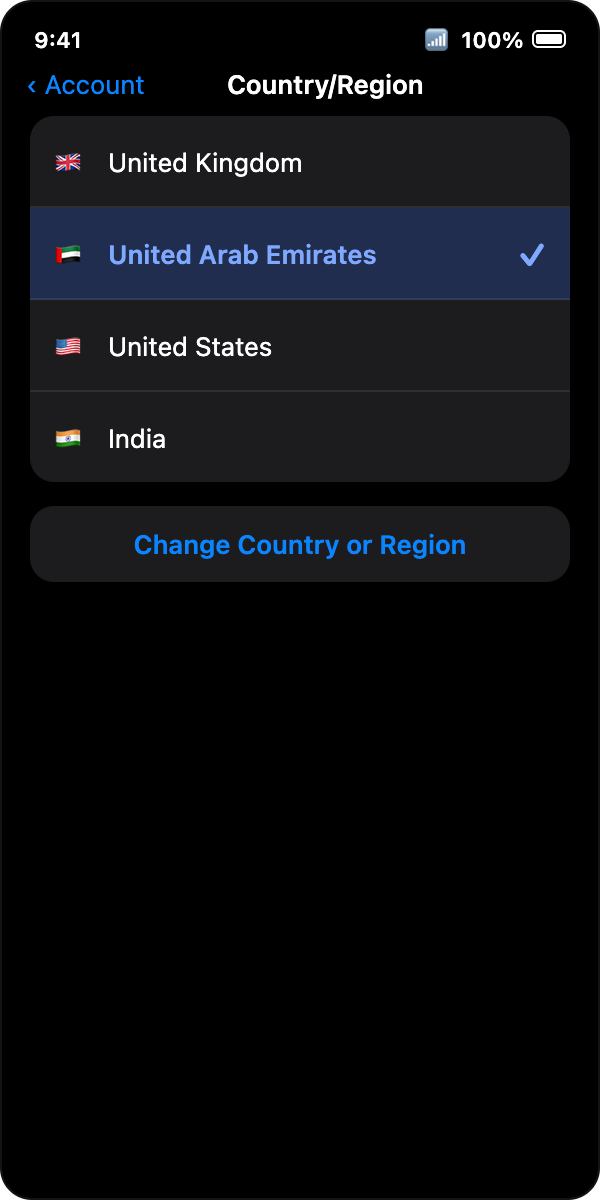
Pick United Arab Emirates, agree to terms, add UAE payment details.
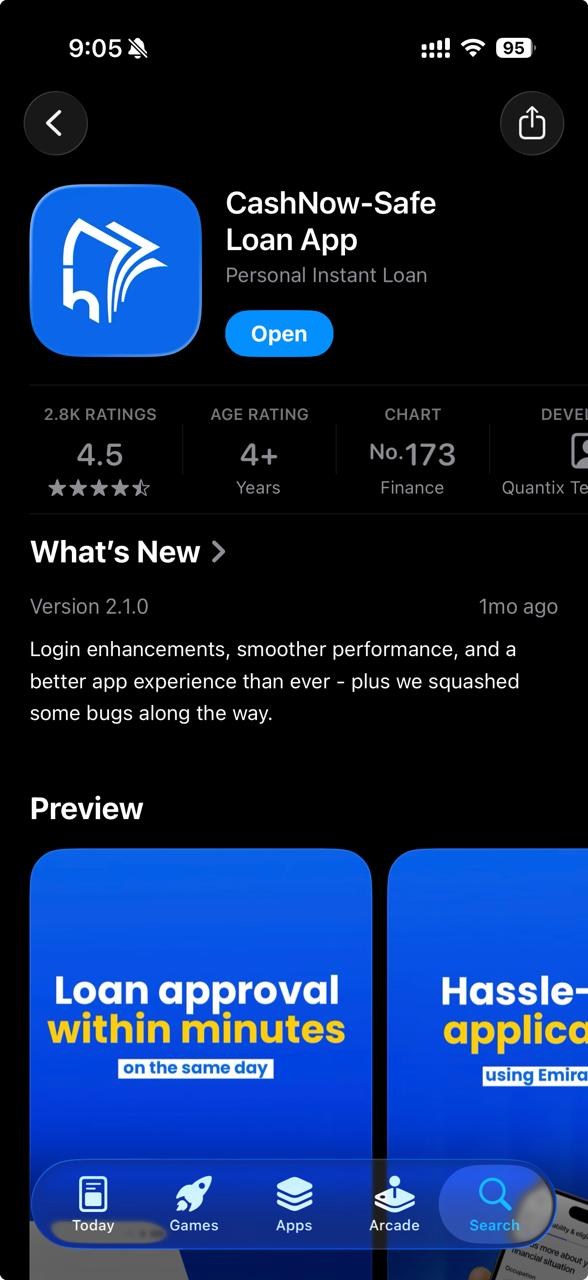
Open the App Store, search CashNow and tap GET.

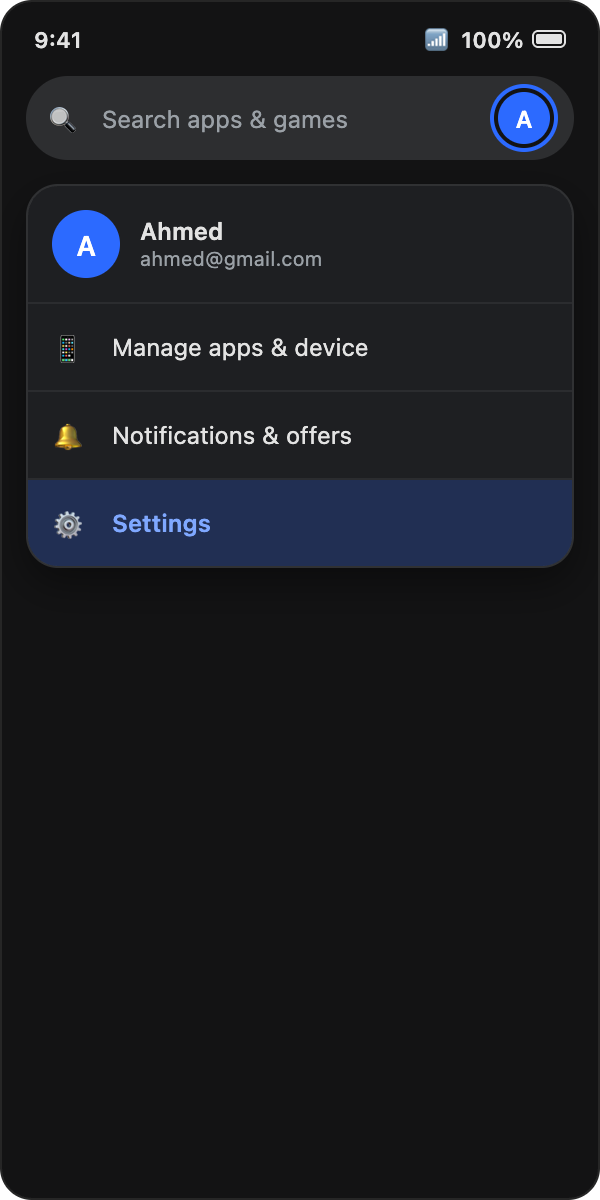
Play Store → tap your profile icon → Settings.
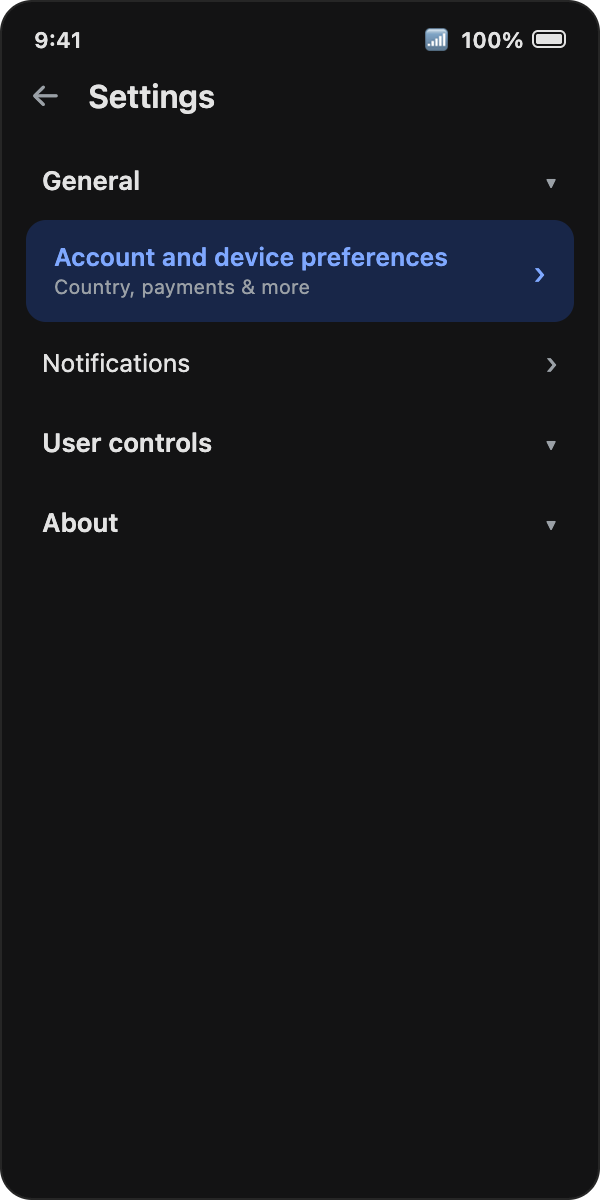
Tap General → Account and device preferences.
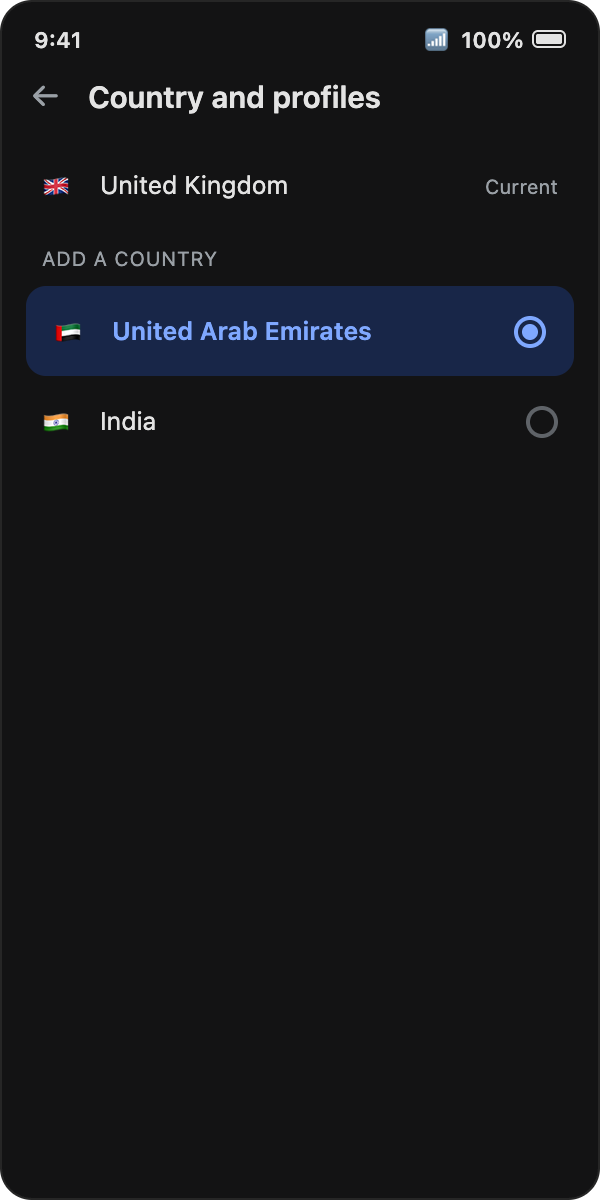
Select United Arab Emirates and add a UAE payment method.
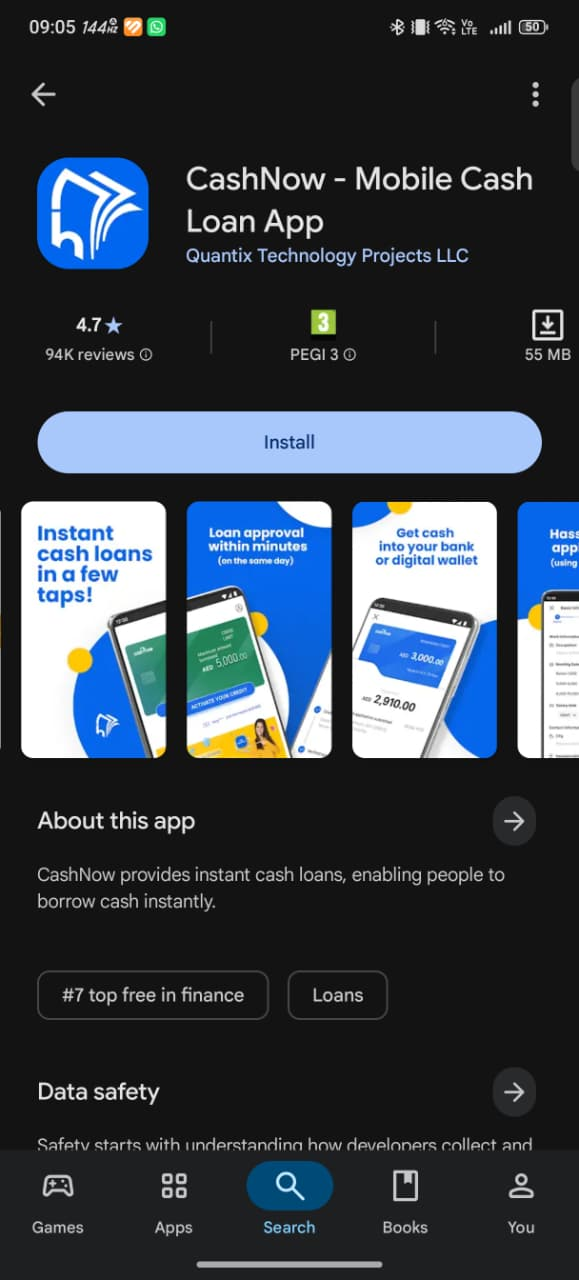
Search CashNow and tap Install — or download directly below.
Google allows one Play Store country change per year, and it can take up to 48 hours to apply.